
See the details. Ask better questions.
Bring together the available machine photography, 360° views, 3D scans and product information before you request a quotation.
360° photos and 3D scans.
Choose a machine, then drag through real captured views or open its 3D scan. The current scan library includes EM10, EM15, EM18, SM75, DM61, TM80, RM10 and LGF804.
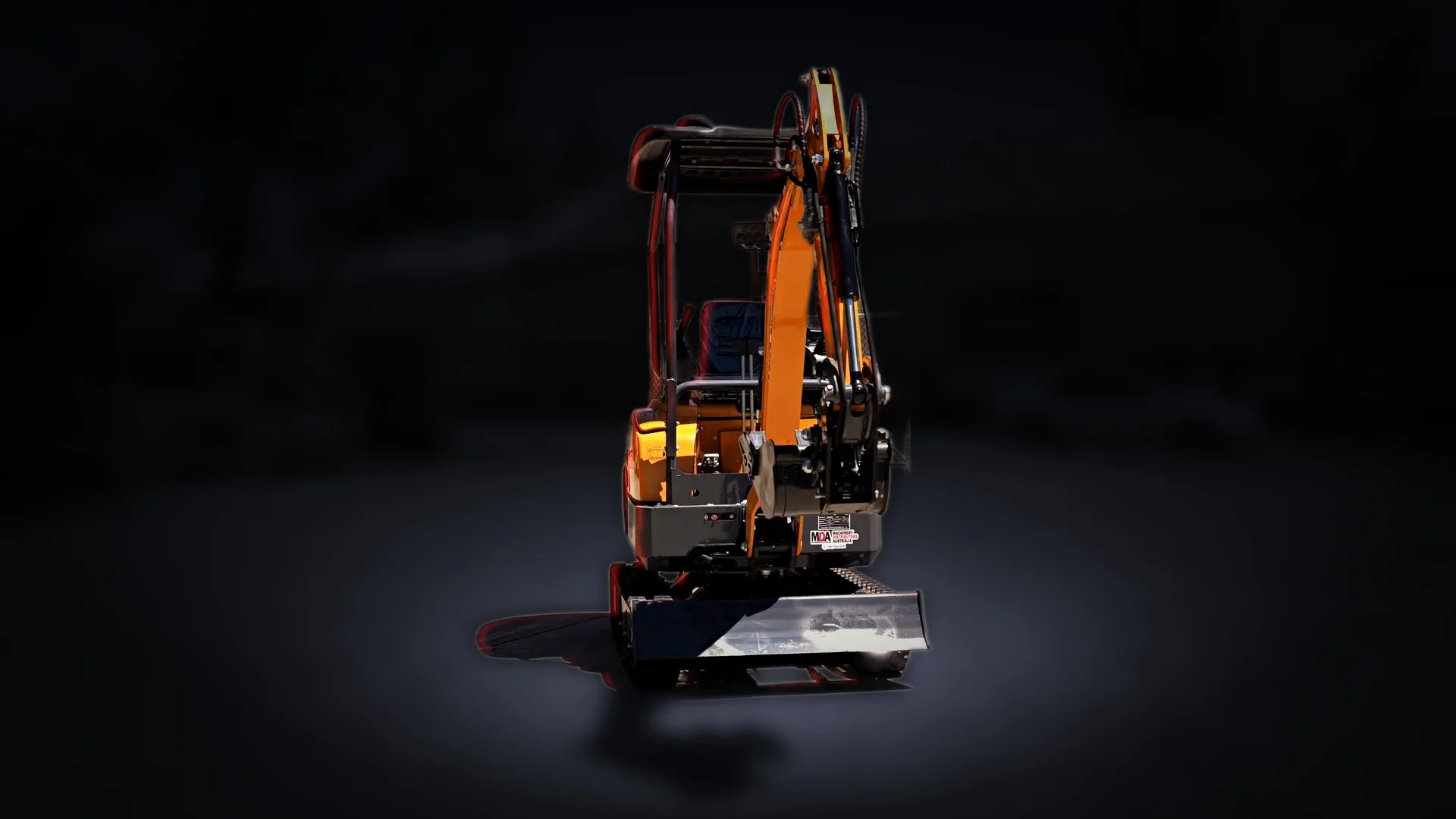
Real machine photography and scans
Drag to rotate and zoom into details, or switch to the 3D scan. 360° photos load as this section comes into view. Select 3D scan when you’re ready.
Use the right view for the question.
Machine media helps explain appearance, access and configuration. Confirm the specification, included equipment and purchase terms in the written quotation.
Machine photographs
Use the individual sales-page galleries to inspect the available machine views, controls, tracks or wheels, attachments and visible details. Ask MDA for a closer photo if an important area is not shown.
Photographic 360° orbits
Drag through real captured views around the machine. The available viewpoints follow the original photography, including any capture gaps or camera movement.
Interactive 3D scans
Rotate, zoom, reset and expand the available machine scans. Captured geometry may include gaps or rough areas.
Confirm the details that matter.
For a machine information request, include the model and what you need to confirm: dimensions, access, weight, engine, operating requirements, lifting or digging needs, attachments or transport.
Brochures, manuals and specification sheets are provided where available for the relevant model and configuration. Ask the team which document applies to the exact unit being quoted.
Photos and scans show captured machinery; they do not establish every specification or the content of a particular sales package. MDA confirms the final machine, included items, price, availability and delivery details in the quotation.
For machine information
Include:
- Model or product-page link
- The work and site constraints
- Specification or detail to be confirmed
- Intended attachments
- Delivery postcode and timing
For an existing machine
Include:
- Model and serial number
- Relevant part number or document reference
- Clear photos of the machine and detail
- Machine hours, where relevant
- Your question and contact details
Talk it through in Murray Bridge.
Arrange an inspection or discuss a machine, attachments and delivery with MDA.
4 Jaensch Road
Murray Bridge SA 5253
Need a particular view or document?
Tell us the machine and the decision you are trying to make. We’ll help identify the available information and what needs to be confirmed.